An alternative to Discord screen share for watching together
Discord is great for a community that lives in a server. For a watch party with friends, some groups want a room built around the screen instead. Walnut is that kind of room, though Discord is still the better pick for some groups.
Discord changes often. This page describes Walnut in detail and Discord only in general terms; check Discord’s own help pages for what it does today.
What changes in a Walnut
Nobody has to stream the film
In a screen share, one computer plays the video, captures it and sends it on, so everyone else sees a copy of a copy. In Walnut, a YouTube or video link plays on each person’s own player, in sync, at the quality their own connection allows. Nobody’s upload speed limits the picture.
A browser the room shares
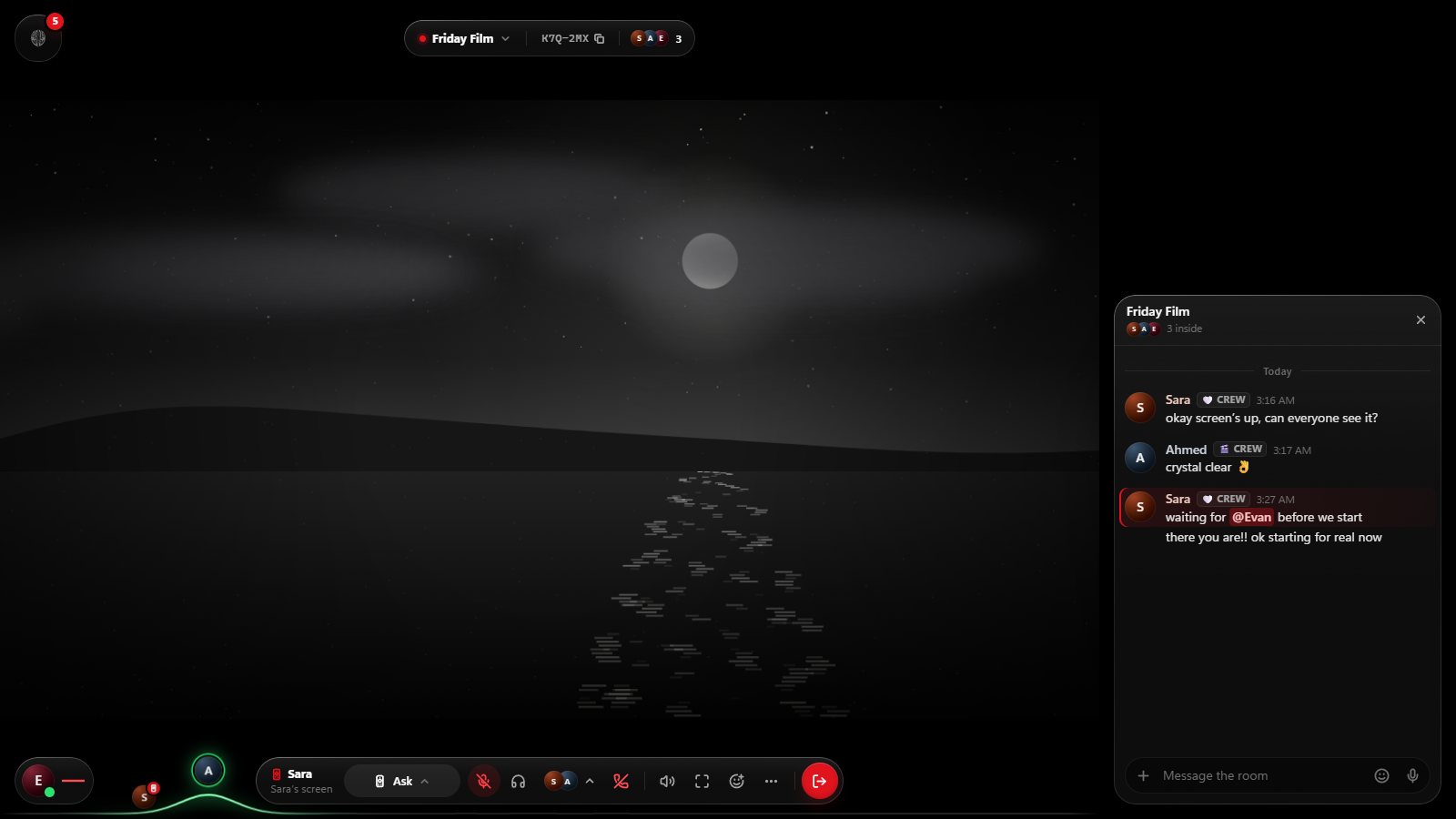
The room’s TV is a web browser that runs on Walnut’s side, or on the owner’s PC with Walnut for Windows. Whoever holds the remote drives it, and passing the remote is a click. Nobody has to keep their own screen on show. How the shared browser works.
Ads blocked for the room
The TV blocks ads and trackers with uBlock Origin’s and EasyList’s filter lists, so nobody sits through pre-roll ads.
Sound without the echo
When you do share your screen, Walnut for Windows shares any screen or window with its sound, leaves Walnut’s own sound out so the room doesn’t hear itself, and keeps Walnut’s window out of a whole-screen share. Shares go up to 1080p at 30 frames a second. In Chrome and Edge you can share a tab with its sound.
Hand over the remote
In Walnut for Windows, a friend can drive your shared screen with their own mouse and keyboard once you allow it. Ctrl+Alt+Backspace takes control back at once.
Rooms that tidy themselves away
A Walnut closes 24 hours after the last person leaves. There’s no server to set up or keep tidy, and your friends and messages stay.
You can use both
Voice in a Walnut is optional. Some groups stay in their Discord call and use a Walnut only for the screen. Just don’t join voice in the Walnut too, or you’ll hear everyone twice.
- Make a free account at easywalnut.com. Friends do the same in their browser, with nothing to install.
- Start a Walnut and drop the link in your Discord channel.
- Put something on the screen: paste a YouTube link to play it in sync, press Start on the TV, or share your screen.
- Talk wherever you like: in the Walnut’s voice chat, or in your Discord call.
When Discord is the better choice
- A big community with channels, roles and bots. A Walnut holds 16 people and is made for a group of friends.
- Video calls with cameras. A Walnut has voice chat, not video.
- Your group already does everything in one Discord server and is happy there.
The same limit for both
Streaming services that protect their video with DRM, like Netflix, show black in a screen share, whichever app does the sharing. What works for Netflix.
Questions
Do my friends need Discord or an extension?
No. Everyone joins Walnut from a browser with a free account. Walnut for Windows is optional.
Can I share a game with sound?
Yes. Walnut for Windows shares any window with its sound, at up to 1080p and 30 frames a second.
Is Walnut free?
Yes, on the web and for Windows.
Live apart. Watch together.
Walnut is free in your browser at easywalnut.com, and for Windows. Make an account, start a Walnut, and send your friends the link.