Share your screen with friends, sound and all
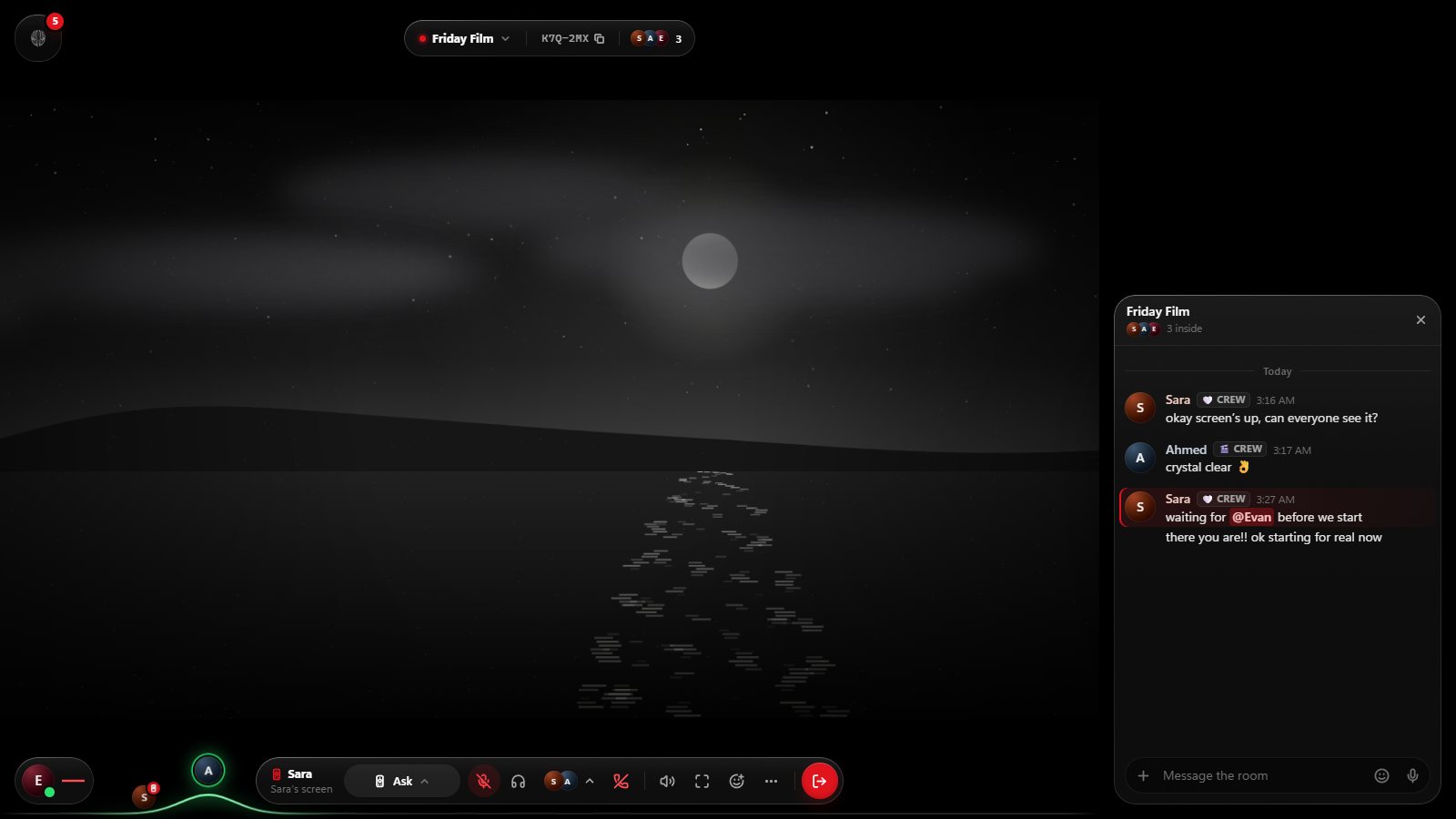
Show your friends anything on your computer while you talk: a game, a film from your drive, photos, or the site you can’t stop talking about. In a Walnut, your share takes the room’s big screen and everyone sees it at once.
Share from your browser
Open Walnut on a computer, join a Walnut and choose Share. Your browser asks what to share:
- Chrome and Edge: a browser tab with its sound, a window, or a whole screen.
- Firefox and Safari: a window or a whole screen, without sound.
Phones and tablets can watch a share and talk, but their browsers can’t share a screen.
With sound, on Windows
Walnut for Windows shares any screen or window with your computer’s sound, through its own picker.
- No echo: Walnut leaves its own sound out of the capture, so the room doesn’t hear its own voices back.
- No hall of mirrors: Walnut’s window stays out of a whole-screen share, so your private messages never show up in it.
Hand a friend the remote
In Walnut for Windows, a friend watching your share can ask to drive it with their own mouse and keyboard. Nothing happens until you allow it, everyone can see who’s in control, and Ctrl+Alt+Backspace takes it back at once. In your privacy settings you choose who may ask at all.
Over the TV, not instead of it
If the room’s TV is on, a share goes over it. The TV’s page waits exactly where it was, with any video paused at the same moment, and comes back when the share ends. Nothing reloads.
Who can share
Anyone the owner allows to share can put their screen up when the screen is free. If someone is already sharing, or the TV is on, you ask first, and the person sharing (or holding the TV’s remote) says yes or no. The owner and managers can always take the screen. Only the people in your Walnut see what you share.
Good to know
- Protected video from streaming services shows as black in any screen share. That’s a limit of the platform, not of Walnut.
- Voice chat runs alongside, with noise suppression and echo cancellation, so you can talk over what you’re showing.
- Walnut is free, and a Walnut holds up to 16 people.
Your people. One screen.
Walnut is free in your browser at easywalnut.com, and for Windows. Make an account, start a Walnut, and send your friends the link.