Watch together online, on one shared screen
Walnut is a free way to have a watch party with friends who aren’t in the same room. Everyone sees the same screen at the same moment, and you talk over it as if you were on the same sofa.
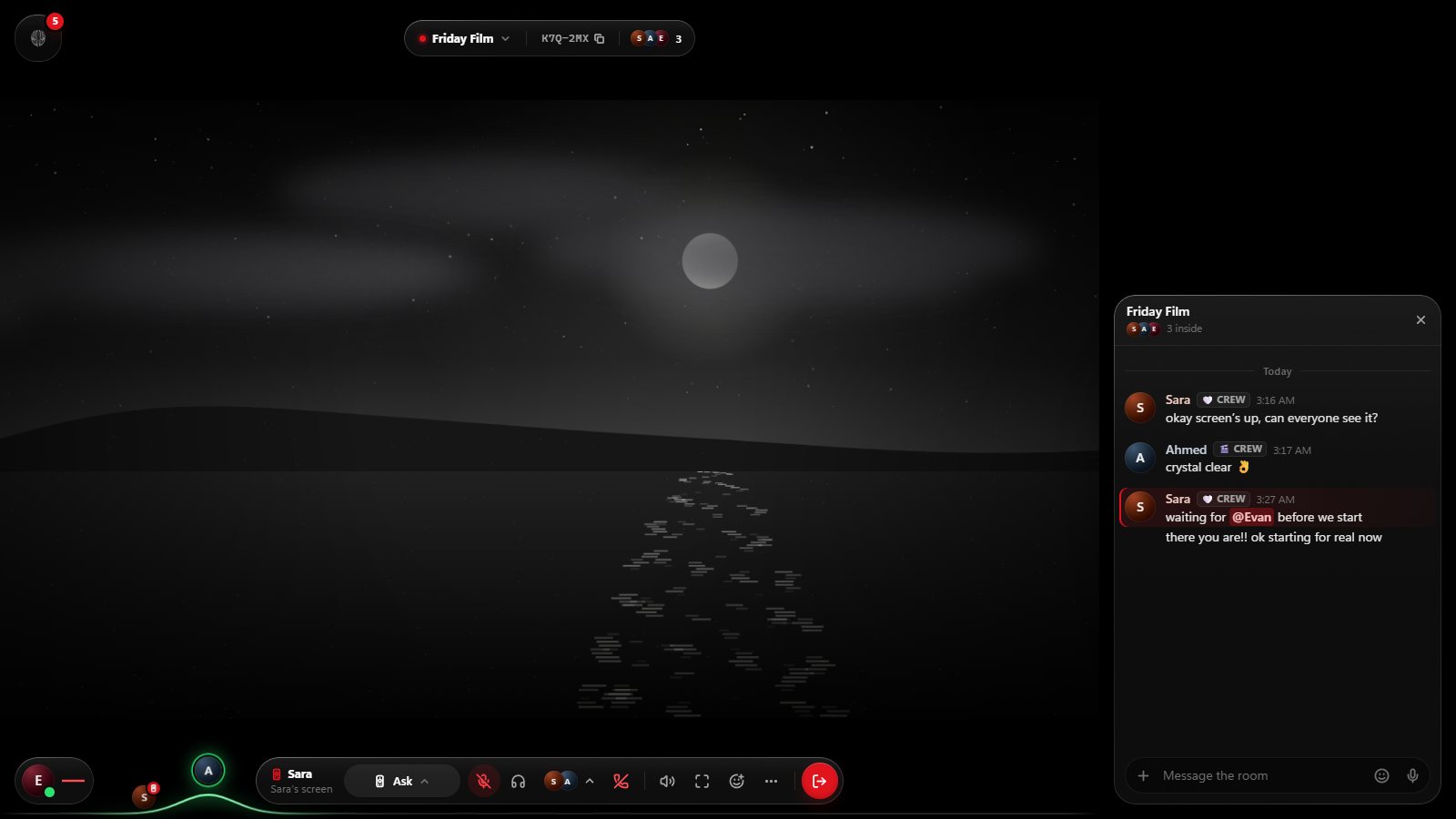
Start a watch party in five steps
- Open Walnut at easywalnut.com and make an account with an email address and a password. It’s free.
- Start a Walnut. It’s your room: give it a name and choose who can get in.
- Invite your friends with a link, the room’s code, or straight from a chat. They join from their own browser, with nothing to install.
- Put something on the screen. Press Start on the TV and open any site, paste a YouTube or video link to play it in sync, or share your screen.
- Talk while you watch. Join voice, send reactions over the screen, or type in the room chat.
What you can watch together
- The web, on the room’s TV. The TV is a real browser that everyone sees: video sites, trailers, live streams, the menu you’re arguing about. Whoever holds the remote drives, and passes it on.
- YouTube and video links, in sync. Everyone’s player plays the same moment on their own connection. How to watch YouTube together.
- Anything on your computer. Share a screen, a window or a tab, with sound from Chrome, Edge or Walnut for Windows. How screen sharing works.
Streaming services: Netflix-style services protect their video with DRM, and protected video shows as a black picture in any shared browser or screen share. Walnut says so plainly when a site can’t be shared, rather than showing everyone a black screen. For those services, a tool that syncs each person’s own account is the better fit; see how Walnut compares.
Why one shared screen
Many watch-party tools keep a separate player for each person in step. Walnut puts one screen in the middle of the room instead. Whoever holds the remote browses, picks and plays, and everyone sees exactly what they see. Pass the remote around and anyone can choose next, without everyone installing an extension or signing in to the same sites.
The screen isn’t only for video, either: plan a trip on a map, look through photos, or read the same page together.
Made for a group of friends
A Walnut holds up to 16 people. The owner decides who gets in (invite-only, anyone with the code, or friends), can add a password or lock the room, and chooses what each person may do. When everyone leaves, the room closes by itself after 24 hours, so there’s nothing to clean up. Your friends and messages stay.
Free, and the ads stay out
Walnut costs nothing on the web or on Windows. The TV blocks ads and trackers for the whole room with uBlock Origin’s and EasyList’s lists, so nobody sits through someone else’s ads.
Works where your friends are
Walnut runs in Chrome, Edge, Firefox and Safari on computers, and in the browser on phones and tablets, where people can watch, chat and talk. On Windows, Walnut for Windows adds the TV on your own PC and connection, sharing with sound and handing over the remote.
Your people. One screen.
Walnut is free in your browser at easywalnut.com, and for Windows. Make an account, start a Walnut, and send your friends the link.