Everything you can do in a Walnut
A Walnut is a private room for you and up to 15 friends, built around one big shared screen. Here’s what can go on that screen, and everything around it.
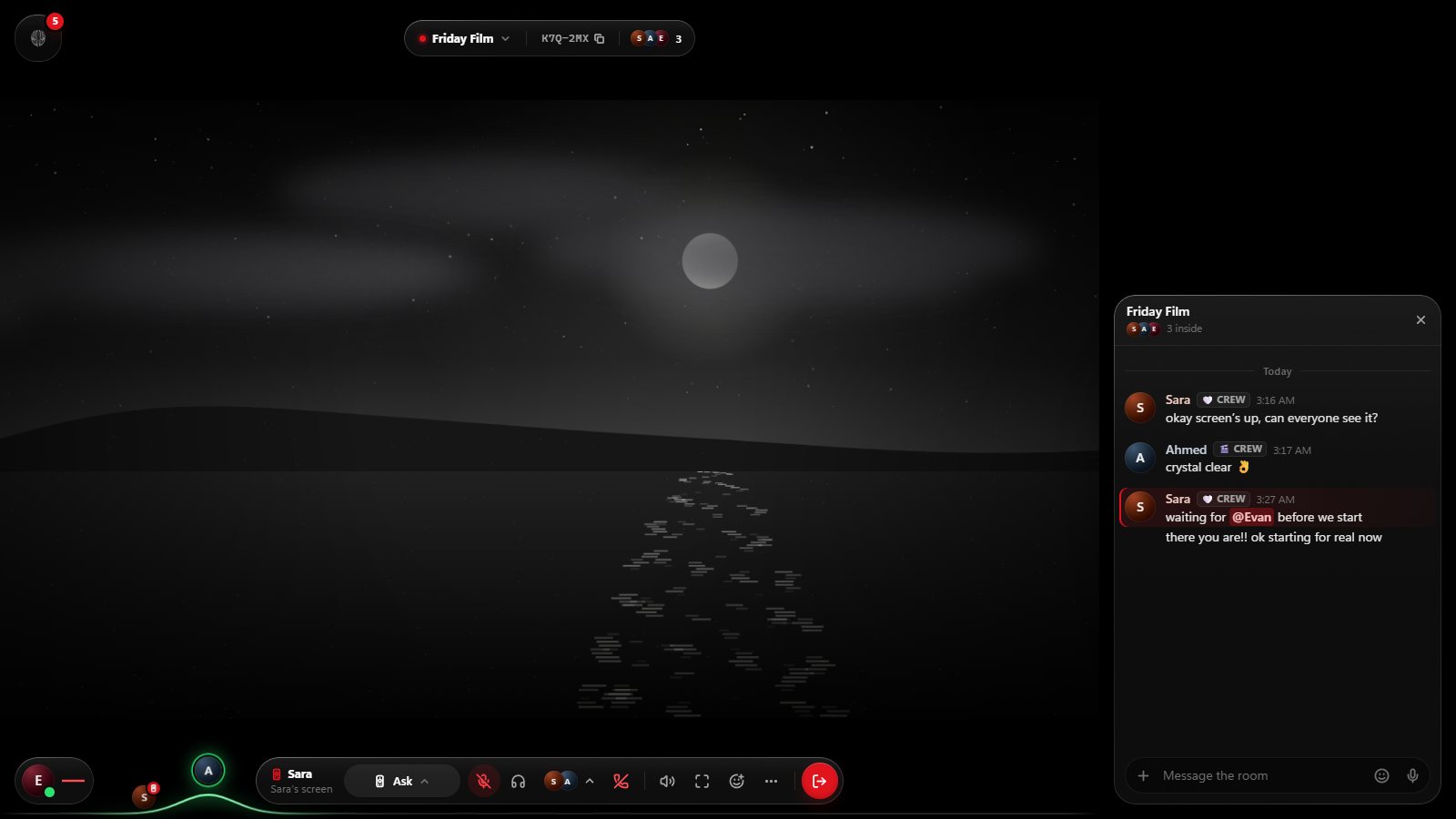
The room’s TV: a browser everyone shares
Every Walnut has a TV: a real web browser that everyone in the room sees, page for page. The owner or a manager presses Start and it opens on Google. Whoever holds the remote drives it, passes it to anyone in the room, and others can ask for it.
When someone shares a screen over the TV, the page waits exactly where it was, with its video paused at the same moment, and comes back untouched when the share ends. When the owner uses Walnut for Windows, the TV runs on their PC and connection; otherwise Walnut runs it in the cloud.
Ads and trackers blocked
The TV blocks ads and trackers for everyone with uBlock Origin’s and EasyList’s filter lists, refreshed daily. Pages load clean and videos usually start without pre-roll ads.
Videos in sync
Paste a YouTube link or a direct video link (MP4, WebM, MOV or HLS) and every player in the room plays it at the same moment, each on its own connection. Walnut keeps everyone within a fraction of a second, catches up anyone who falls behind without pausing the rest, and picks up where you were after a reconnect.
- Watch queue: line up what’s next; the next video plays when one ends.
- Countdown: start a film at exactly the same moment for everyone.
- Reactions: emoji that float over the screen, so nobody has to look away.
Screen sharing
Share a whole screen, a window or a browser tab. Chrome and Edge share a tab with its sound. Walnut for Windows shares any screen or window with its sound, leaves its own sound out so the room’s voices aren’t echoed back, and keeps its own window out of the picture so private messages never appear in a share. More about screen sharing.
Hand over the remote
In Walnut for Windows a friend can drive your shared screen with their own mouse and keyboard. They ask, you allow, and Ctrl+Alt+Backspace takes control back at once.
Voice chat, room chat and reactions
Talk while you watch, with noise suppression, echo cancellation, automatic gain, per-person volume and push-to-talk. Type in the room chat, or send reactions over the screen. Pick a layout: cinema, with the screen as big as it gets, or lounge, with the room around it.
Friends and messages
Add friends by username, friend link or QR code. Send direct messages and group chats with emoji, reactions, replies, images, files and voice messages, with edits, typing and read state. Start a Walnut from any chat and your friends get an invitation with a Join button. See which friends are in a Walnut right now, and knock to join theirs.
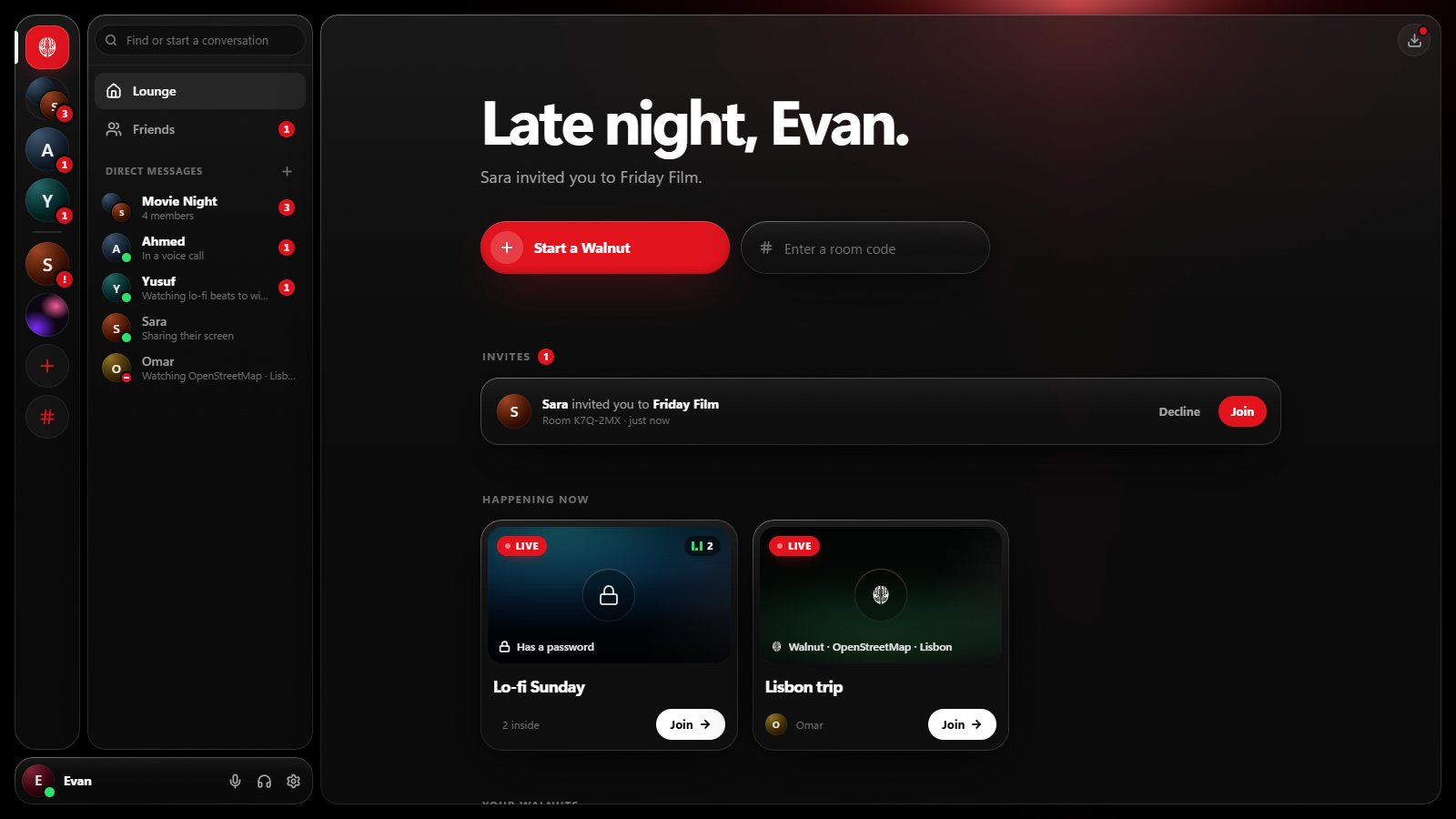
Rooms you control
- Up to 16 people in a Walnut; the owner can set a lower limit.
- Invite-only, open to anyone with the room’s code, or open to friends. Add a password, or lock the room.
- The owner decides who may chat, talk, share, take control or invite, and can make others managers.
- A Walnut closes by itself 24 hours after the last person leaves. Friends and messages stay.
Private by default
You choose who sees whether you’re online and what you’re doing, and who can message, call, invite or friend you. You can block or report anyone, see every device signed in to your account and sign any of them out. Passwords are stored only as Argon2id hashes.
On every device
Web
Chrome, Edge, Firefox and Safari on Windows, macOS, Linux and ChromeOS. Nothing to install.
Phones and tablets
Join in the browser to watch, chat and talk. Sharing a screen needs a computer.
Windows
The TV on your own PC, sharing with sound, the remote, a Mini Walnut on top, taskbar controls and notifications. Get Walnut for Windows.
Your people. One screen.
Walnut is free in your browser at easywalnut.com, and for Windows. Make an account, start a Walnut, and send your friends the link.